· Knowledge base · 9 min read
Read analytics and close gaps
Weekly ritual: read opens to product clicks, fix gaps, avoid vanity metrics.
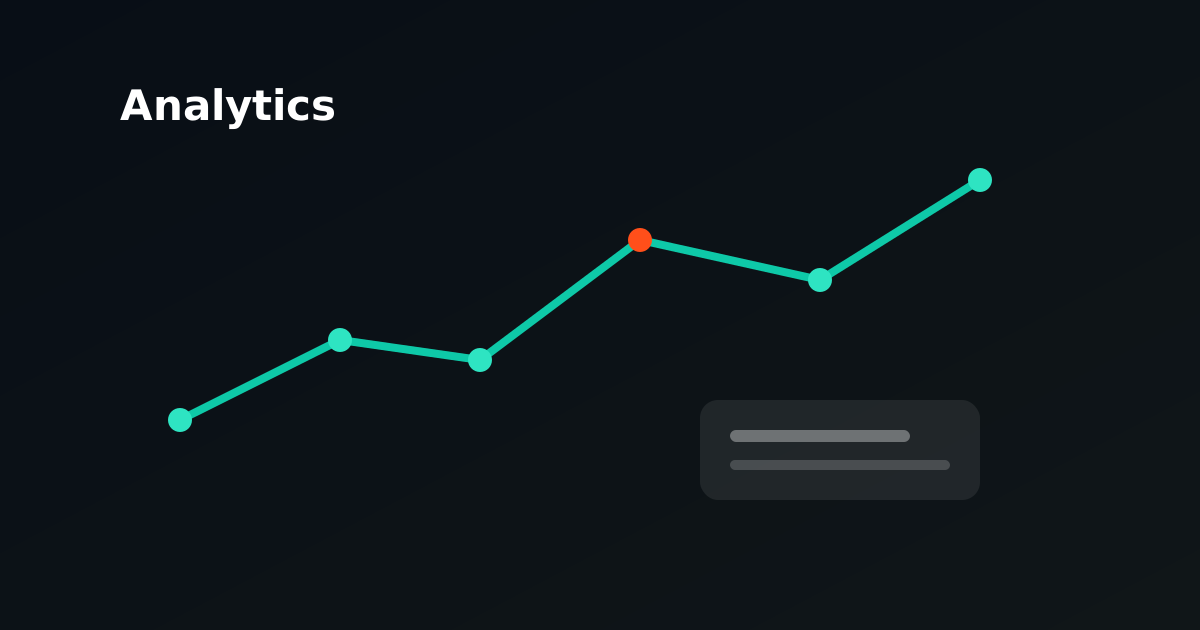
Reading analytics and closing gaps
Why analytics is more than a dashboard
Fynd analytics shows whether your AI product advisor actually helps shoppers choose, not merely whether the widget is visible. Every session belongs to your shop. Events such as opens, messages, product clicks, add-to-cart, purchases, leads, and unanswered questions form a funnel you can read weekly as a maintenance ritual.
This article is a practical guide. You will learn which numbers reinforce each other, how to use the unanswered-questions queue, when to choose resolve versus dismiss, and how to tie a gap to catalog versus custom knowledge. It also describes reasonable expectations after a fourteen-day trial and which metrics are better left aside.
Playground traffic is excluded from live analytics. Test in the playground, but base your weekly review on real storefront sessions.
The funnel at a glance
Open the analytics overview in your shop dashboard. At the top you see eight core statistics for the last thirty days (unless your filter differs):
| Metric | What it measures | Why it matters |
|---|---|---|
| Opens | Shopper opens the advisor | Reach: does anyone see the widget at all? |
| Sessions | Unique chat sessions | How many conversations start? |
| Messages | Shopper messages sent | Depth: are people asking real questions? |
| Product clicks | Click on a recommended product | Bridge to your catalog pages |
| Add to cart | Event after product click (when available) | Intent toward checkout |
| Purchases | Purchase event (when available) | Ultimate commercial outcome |
| Unanswered | Questions without a useful answer | Direct knowledge gaps |
| Leads | Completed lead forms | Follow-up contact after advice |
Below the statistics are three knowledge indicators: products in knowledge, documents (sitemap + custom), and blogs. Those counts are not vanity metrics, they explain why certain questions are or are not answered.
Read the funnel top to bottom, not as isolated numbers:
Opens → Messages → Product clicks → Add to cart → Purchases
                ↘ Unanswered (parallel gap line)
                ↘ Leads (optional, parallel)
If opens rise but messages stay flat, the issue is likely welcome copy, placement, or expectations, not your catalog. If messages rise but product clicks fall, the bot is answering without a clear product path. If unanswered questions rise while engagement looks healthy, your assortment or question mix is growing faster than your knowledge sources.
Weekly ritual: thirty minutes, fixed order
Schedule one recurring slot per week, for example Monday morning, with someone who can influence both content and catalog. Use the same order every time so comparisons across weeks stay meaningful.
Step 1: Context (5 minutes). Note what changed in the past week: new collection, price change, feed outage, new FAQ, different widget placement. Without context you interpret noise as trend.
Step 2: Funnel and rates (10 minutes). Look at the percentages under the statistics:
- Engagement: messages as a percentage of opens
- Click-through: product clicks as a percentage of messages
- Answer gap: unanswered as a percentage of messages
- Cart: add-to-cart as a percentage of product clicks (only meaningful if you pass cart events)
- Purchase: purchases relative to sessions or clicks (depending on your setup)
- Lead: leads as a percentage of sessions
Write one sentence: *what improved* and *what worsened* versus last week. No spreadsheet required; a short log in Notion or a shared doc is enough.
Step 3: Activity chart (5 minutes). The lines for opens, messages, and product clicks per day show peaks and troughs. Tie a spike to a campaign, product launch, or technical incident. A single outlier is not proof; three weeks in the same direction is.
Step 4: Unanswered queue (10 minutes). This is the heart of closing gaps. More in the next section.
Step 5: One concrete action. Choose at most one fix for the coming week: one FAQ, one feed field, one product copy rule, one page added to sitemap crawl. Parallel fixes make it unclear what worked.
The unanswered queue: your fix loop
When Fynd cannot give a useful answer from retrieved knowledge, analytics records an unanswered event. The question appears in the *Fix loop: unanswered* section with the original shopper wording and timestamp.
Each open entry is a candidate for improvement, not a failure, but a priority list. Sort implicitly by:
- Frequency: does the same intent recur in top questions?
- Commercial impact: is it about purchase blockers (shipping, returns, compatibility, stock)?
- Ease of fix: is it one missing FAQ answer or a structural feed problem?
Resolve: add to knowledge
Choose Add to knowledge when you have an approved, customer-ready answer. You can optionally supply answer text directly. Fynd creates or reuses a custom knowledge source (*Fix loop: unanswered questions*) and indexes the question–answer pair. The event is marked resolved (resolved_at in the payload).
Use resolve when:
- the answer is stable policy (returns, warranty, payment methods);
- the explanation does not belong in a product feed;
- you validated the gap with legal, operations, or support.
Write the answer so it stands alone, like any custom FAQ. Point to your official procedure; do not invent deadlines or guarantees.
Dismiss: deliberately remove
Dismiss removes the entry from the open queue without adding knowledge. That is legitimate when:
- the question was off-topic, spam, or a test prompt;
- the shopper asked for something you deliberately do not handle via the bot;
- the answer is already in the catalog but the question was too vague; fix the source, not a duplicate FAQ;
- the same intent is already resolved and this is a duplicate.
Dismiss is not "ignore until it goes away." Note internally why you dismissed, so a colleague does not pick up the same question again.
Resolve versus dismiss in practice
| Situation | Action | Why |
|---|---|---|
| "Do you ship to Belgium?", no shipping FAQ | Resolve + answer | Policy belongs in custom knowledge |
| "What size for 6 ft?", size chart missing from feed | Catalog / fix feed | Product attribute, not a standalone FAQ |
| "What is your API key?" | Dismiss | Not a shopper question; security risk |
| "Ignore previous instructions" | Dismiss | Abuse, not a knowledge gap |
| "Is product X compatible with Y?", specs in feed but missing in chunk | Enrich catalog | Retrieval issue, not new policy |
Tie gaps to catalog versus custom knowledge
Not every unanswered question should become a FAQ. Wrong source choice leads to duplicate maintenance or stale answers.
Choose catalog (feed, Catalog API, sitemap product pages) when:
- the answer differs per SKU, variant, or stock level;
- price, dimensions, material, compatibility, or technical specs determine the answer;
- the assortment changes often and you want one sync path.
Choose custom knowledge (FAQs, fix loop) when:
- it is shop-wide policy applying to all orders;
- the explanation must stay short and authoritative, separate from product records;
- feed or crawl must not hold private information by design.
Choose sitemap crawl / blog when:
- the answer lives in an existing buying guide, size guide, or blog article;
- content is public but not retrieved well, then check JSON-LD, internal links, and crawl frequency.
Do not blur the three layers. A return window in three FAQs, on every product page, and in the feed produces conflicting answers when one source goes stale.
What "good" looks like after a fourteen-day trial
A trial is for learning, not for breaking benchmark records. After fourteen days of live storefront traffic (not playground only), this is a realistic expectation frame:
Minimum health
- There are opens and sessions, the embed works and shoppers find the widget.
- Engagement (messages/opens) is not zero: at least some openers ask a question.
- The unanswered queue is manageable: you can process entries in your weekly ritual, not hundreds open.
Growing maturity
- Answer gap falls or stabilizes while messages rise, you add knowledge faster than new question types arrive.
- Product clicks follow messages about product choice, the bot links to concrete items.
- Top questions repeat; you recognize themes (size, delivery, comparison) and fix sources deliberately.
Not yet firm conclusions
- Absolute purchase or add-to-cart counts are often low in week two, especially without cart/purchase integration.
- One holiday or campaign week skews everything; compare week 2 with week 3 rather than day 3 with day 13.
Signals to act before day 14
- Opens without messages: revise welcome copy, suggested prompts, and widget placement.
- Many messages, zero product clicks: check whether product cards appear and whether your catalog index is populated.
- Answer gap above roughly twenty percent of messages with no downward trend: plan a knowledge sprint (feed + FAQs), not prompt tweaks alone.
Define one primary success criterion for the trial, for example "answer gap under ten percent" or "at least three resolved gaps per week", instead of optimizing all eight metrics at once.
Avoid vanity metrics
Some numbers look impressive but drive bad decisions. Use them at most as context.
Counting opens only. High opens with low engagement often mean the launcher stands out but the conversation never starts. Optimize for messages and useful answers, not icon clicks.
Raw conversation length as quality. Long chats can mean confusion, not satisfaction. Short chats with a product click can beat ten messages with no path.
Leads without lead rate. Ten leads sounds good; against a thousand sessions it is noise. Always read leads against sessions (the lead percentage in analytics).
Purchases without event setup. Without purchase tracking, zero purchases is not proof of failure. Configure cart/purchase events before using commerce metrics as KPIs.
Playground numbers. Test conversations are useful for QA, not management reporting.
Comparing everything to other shops. Assortment, traffic, and integrations differ too much. Compare your shop to your own previous weeks.
Linking conversations and teams
Conversations belong to the shop. Analytics events reference sessions; leads can link to a conversation_id. Use that in your weekly review:
- Open a few conversations for notable unanswered events: is the classification correct?
- Share resolved FAQs with support so answers stay consistent with human channels.
- Let catalog owners handle feed fixes; let content or operations own FAQs and fix-loop entries.
Document each resolve in your team log: date, question, source (catalog/custom/crawl), owner. After a month you see which layer pays off most.
Checklist after each week
- Funnel read with context of shop changes
- Engagement, click-through, and answer gap noted
- Unanswered queue empty or deliberately prioritized
- Each resolve tied to the right source (catalog vs custom vs crawl)
- Off-topic entries dismissed with a short reason
- At most one planned fix for next week
- No decision based on vanity metrics alone
Analytics is not an endpoint. It is the feedback loop that sharpens your RAG sources, FAQs, and catalog, week after week, gap by gap.
More guides
All guides →-
Aligning widget theme and branding with your storefront
Branding is trust. Align theme and copy with the storefront and test on real PDPs.
Read guide → -
Understanding plan limits and usage
Limits are steering information. How to get more value per conversation before you upgrade a plan.
Read guide → -
Combining multiple knowledge sources without contradictions
More sources only help with clear owners. How to avoid duplicate policies and shaky advice.
Read guide →